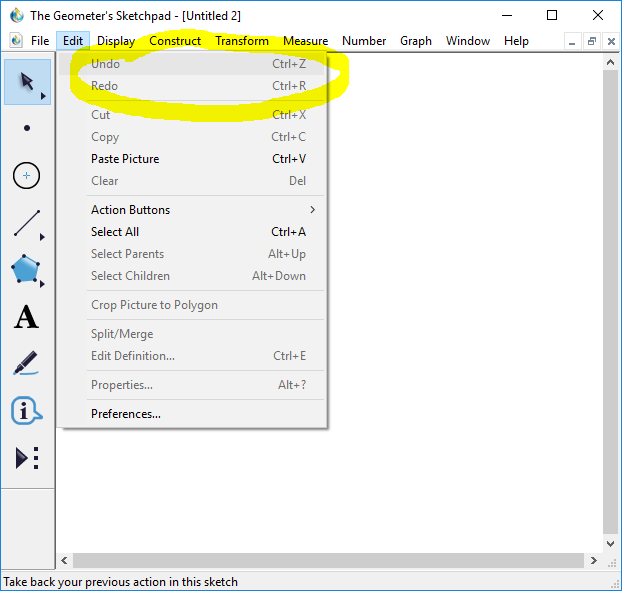
If we make a mistake in a construction, we can always undo the construction. Under the Edit menu, the first two sub-menu items are Undo and Redo. Clicking the Undo (Redo) button causes one construction step to be undone (redone). You can always use the Undo button to undo a construction to any prior state. Undo and Redo also have keyboard shortcuts. To undo a step, we type Control-Z. To redo a step, we type Control-R.
To Learn More
If you want more general info on using Geometer's Sketchpad, there are numerous on-line tutorials. A nice brief intro is at this site . The Geometer's Sketchpad web site has resources at this page .