Project 10 involves using geometry software to investigate Hyperbolic Geometry. This is done using the Poincare circle model. We use a special file to study Hyperbolic geometry. This is the file PoincareModel.ggb . Click this link and download the file to your computer. Then, open it using GeoGebra. You will see a screen with a large circle and a Tool Bar having three new Buttons with wrench icons. These are custom tools built for the hyperbolic geometry model.
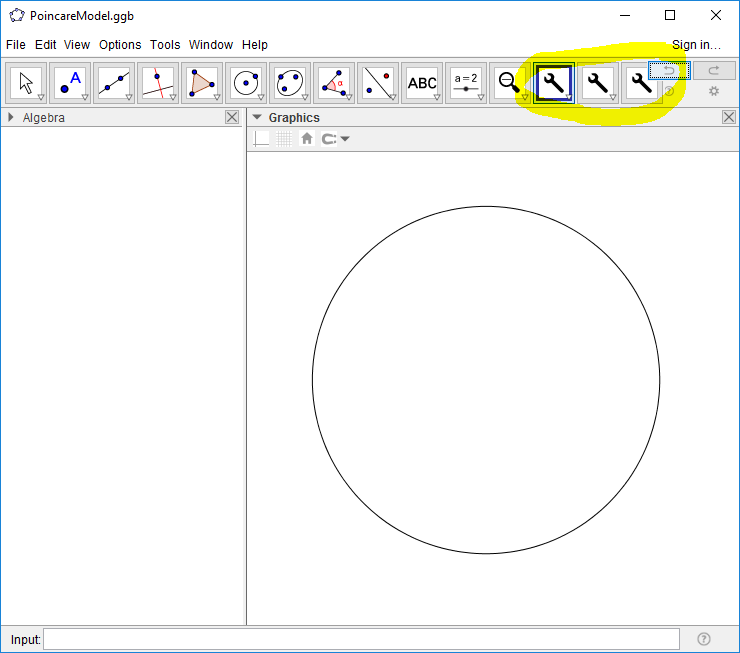
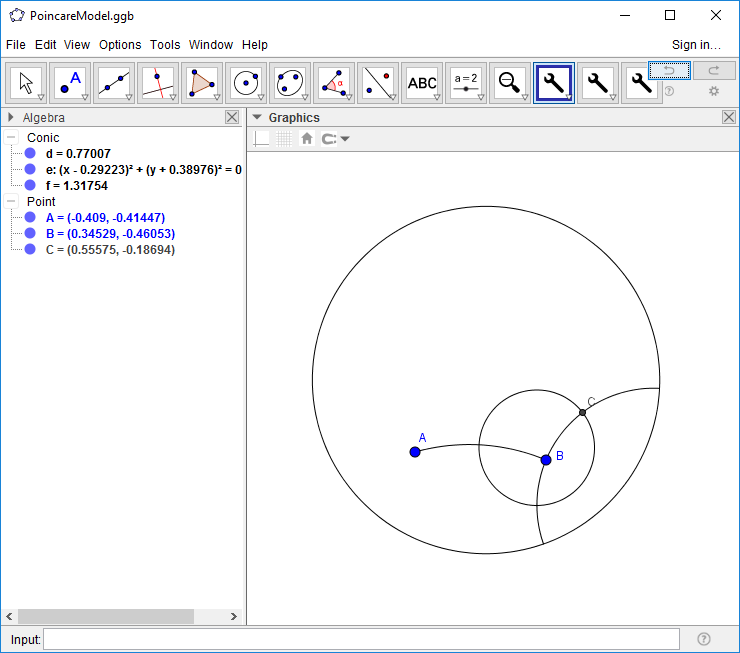
We start by creating a hyperbolic segment. Choose 'Hyperbolic Segment' under the first wrench menu. Then click twice to create the segment. Next, we create the perpendicular to AB at B. Choose 'Hyperbolic Perpendicular at Point' under the second wrench menu and then click point B and then point A to create the perpendicular. Next, choose 'Hyperbolic Circle w Given Radius' and click point B. A dialog box will pop up with a desired radius. A small number will work best - we suggest a value of 1 or less. The hyperbolic circle of that radius will be constructed.
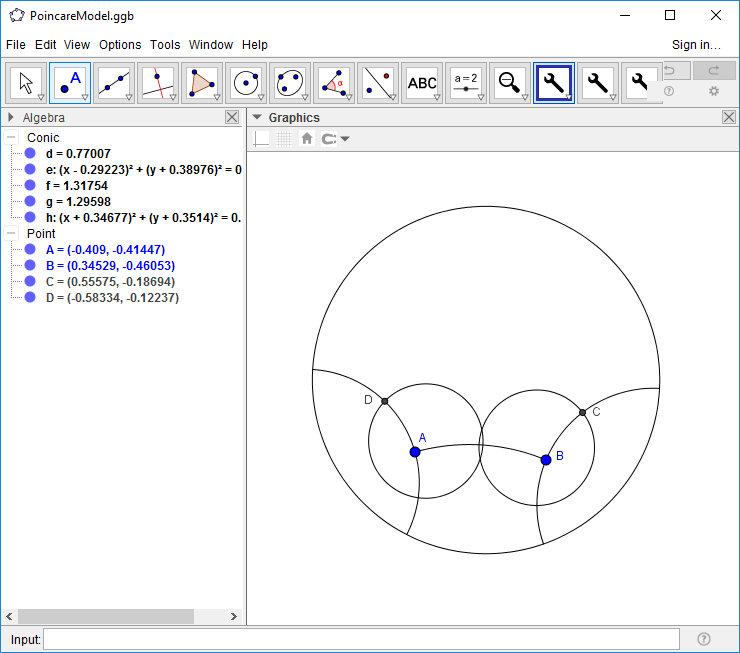
Carry out a similar construction to construct a circle with center at A (and same radius as the first circle) and a perpendicular at A. Construct the intersections (C and D) of the two circles with the two perpendiculars.
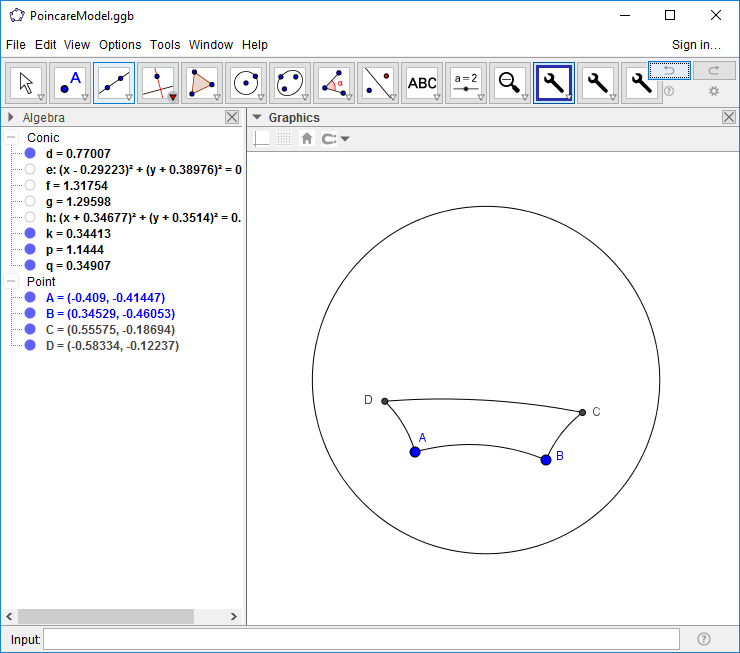
Next, hide the perpendiculars and the circles and connect the points (with Hyperbolic segments) to create the Saccheri quadrilateral ADCB.
As part of the project, we are to measure the summit angles. To do this, choose 'Hyperbolic Angle' under the first wrench button and then select points C, D, and A (in that order). A numeric value will appear in the Algebra View (here labeled 'a') representing this angle. Likewise, click on B, C, and D to get the measure of the angle at C. As mentioned in the text, these angles appear to match.
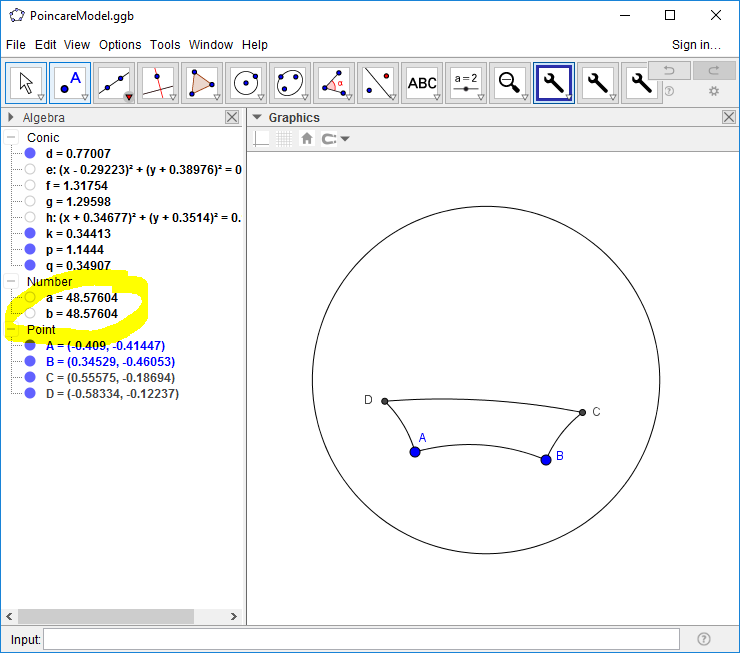
The remaining constructions and exercises in Project 10 should now be doable.